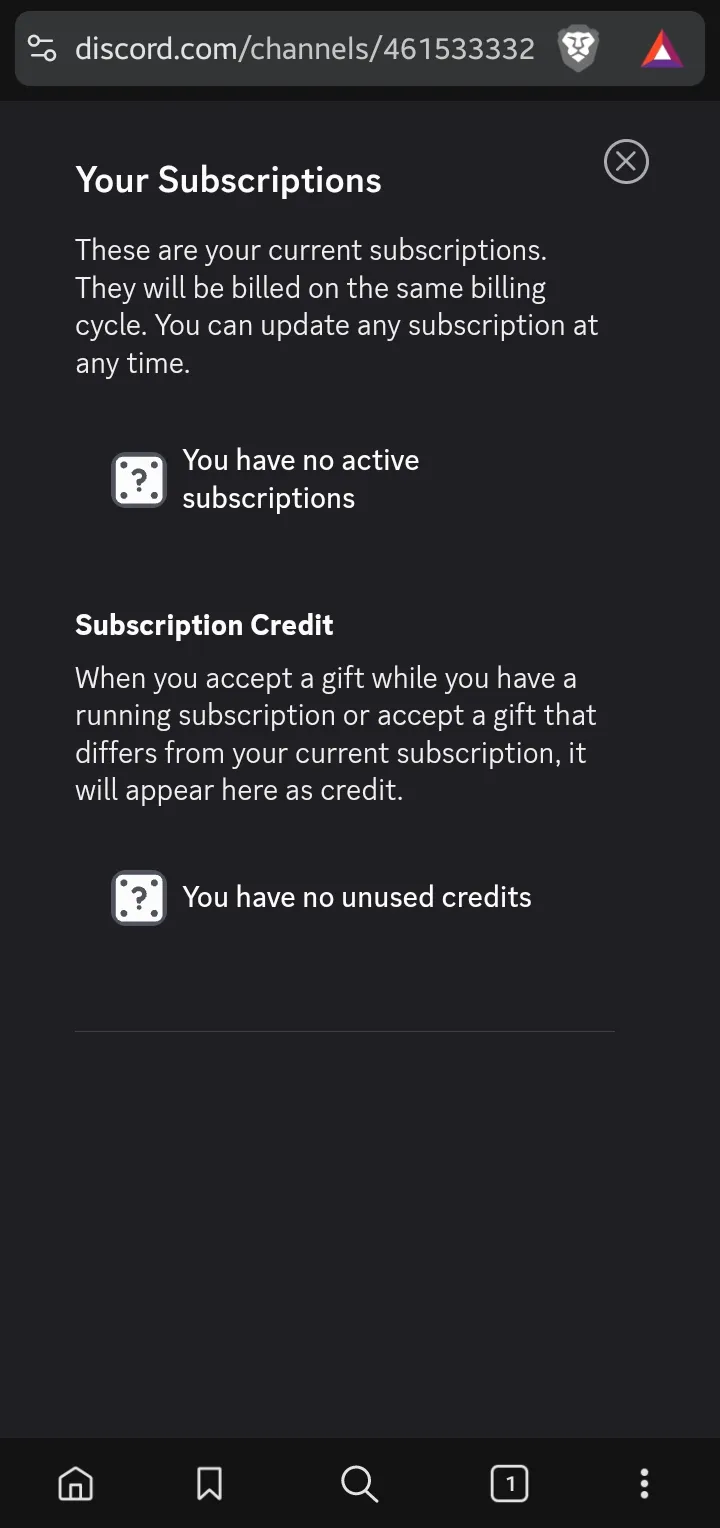
How do I manage a subscription made in Discord?
How do I manage my subscription through Discord?
Section titled “How do I manage my subscription through Discord?”-
Open Discord and go to your User Settings by clicking on the gear icon located at the bottom left corner of the Discord window.
-
In the left sidebar, scroll down and click on Subscriptions under the Payment Settings section.
-
Here, you will see a list of your active subscriptions. Find the Ticketon subscription and click on it to view more details.
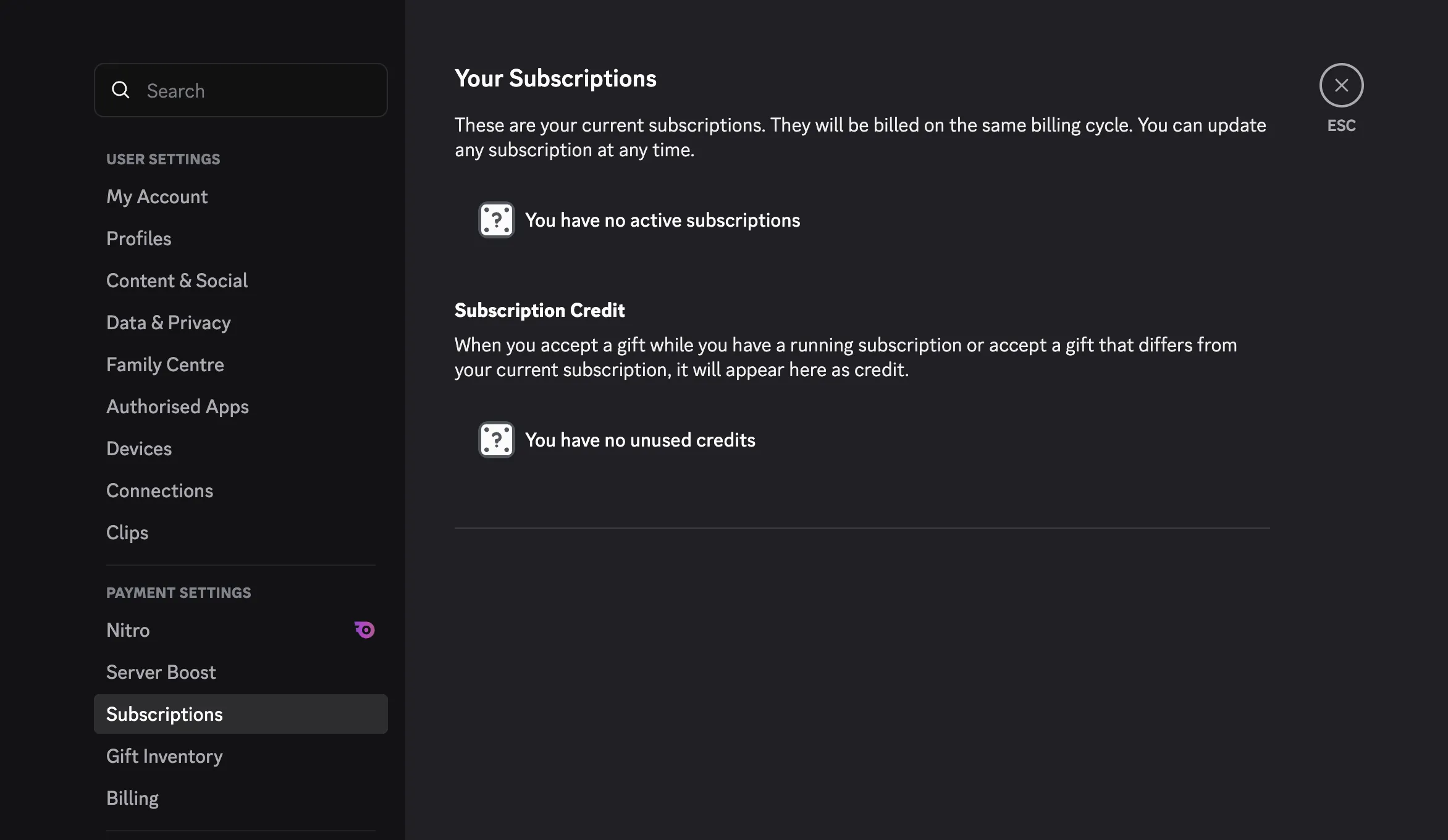
You can’t manage subscriptions through the Discord mobile app. It appears that Discord did not expect people to be using mobile devices.
To manage your subscription, you will need to use a web browser on your phone:
-
Open your mobile web browser, go to the Discord website and log in, if you haven’t already.
-
Go to your User Settings by clicking on the gear icon located at the bottom right corner of the Discord window.
-
In the left sidebar, scroll down and click on Subscriptions under the Payment Settings section.
-
Here, you will see a list of your active subscriptions. Find the Ticketon subscription and click on it to view more details.